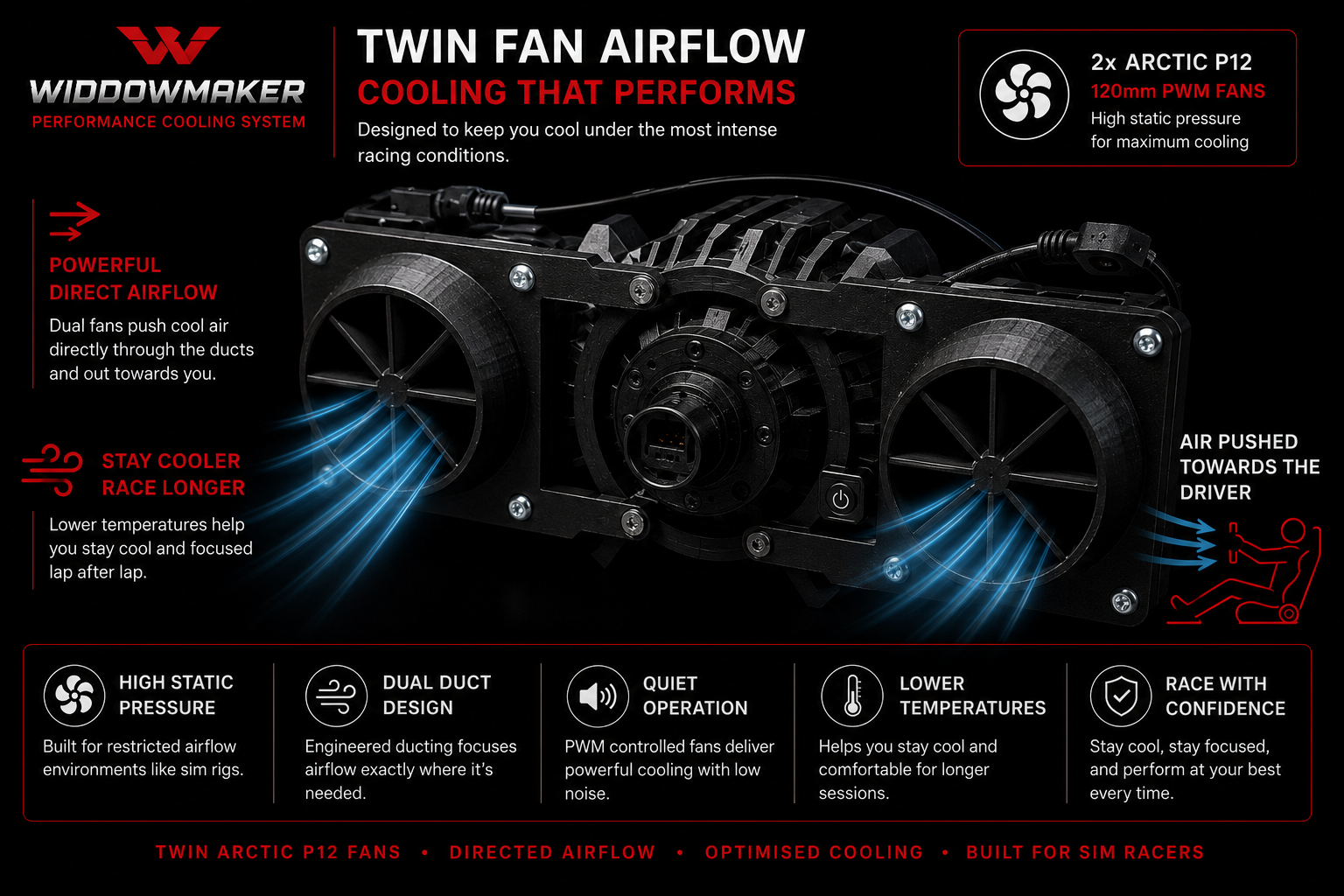
Mount the unit
Use the four supplied screws to secure the cooling system into the mounting points on the front face of the wheelbase.
A quick overview of mounting, powering and looking after your Widdowmaker cooling system. A printed quick-start guide is also included in the box.
Connect only to a PC USB port or powered USB hub. Never use a phone charger, fast charger or mains USB plug.
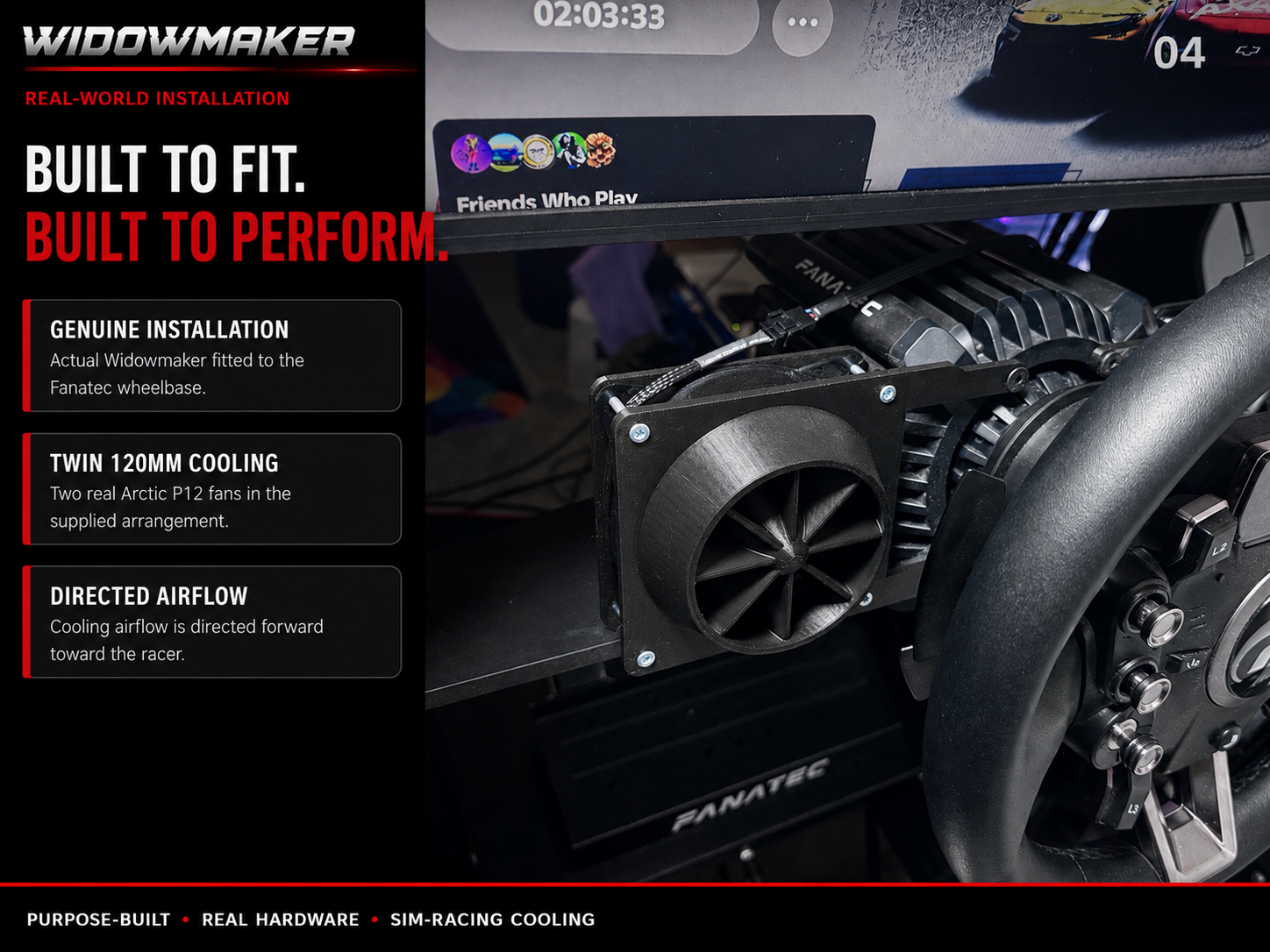
Everything required for a clean, secure installation on your compatible Fanatec DD / DD+ setup.
One complete Widdowmaker twin-fan cooling assembly with integrated finger guards.
USB power connection, 5 V as specified, plus the connection cable and variable-speed control.
Four mounting screws and the printed quick-start guide supplied with the system.
Use the four supplied screws to secure the cooling system into the mounting points on the front face of the wheelbase.
Connect only to a 5 V USB port on your PC or a powered USB hub. Do not use a phone charger or mains USB plug.
Position the fans so the cooling is directed exactly where you need it while driving.
Use suitable clips or ties to keep every cable clear of controls, moving parts and your driving position.
Power up the unit, then use the speed control to balance airflow and noise for your session.
If needed, switch off first, loosen the corner bolts and re-thread the fan cable. The supplied layout uses the shortest, cleanest cable length.
Power the system only from a PC USB port or powered USB hub. Do not connect it to a phone charger, fast charger or any mains USB plug.
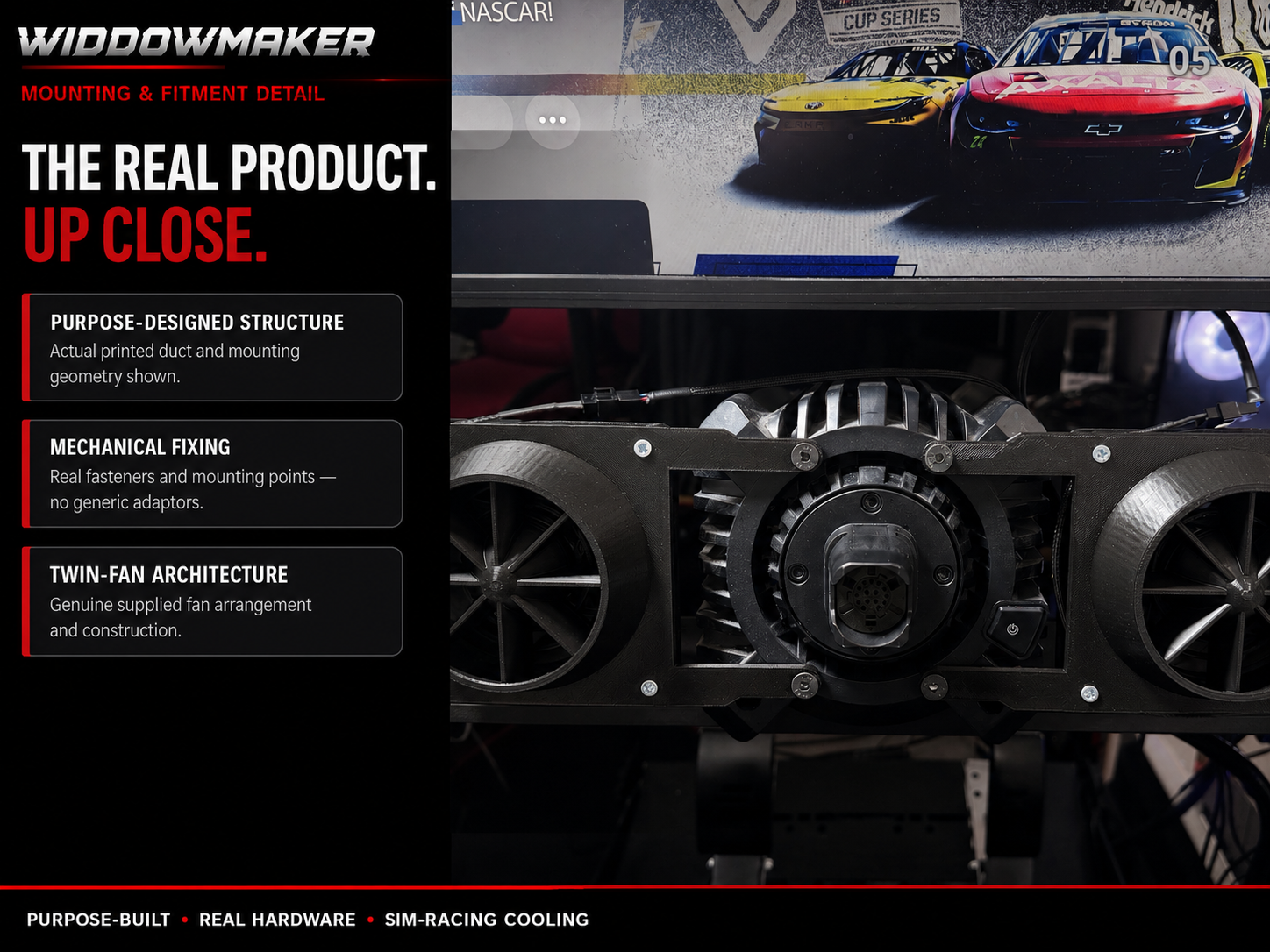
Twin Arctic P12 fans provide focused, adjustable airflow for long sim-racing sessions—helping reduce hand sweat, improve grip and keep the driving position comfortable.
This page is an overview. Keep the printed guide supplied with your system for reference.